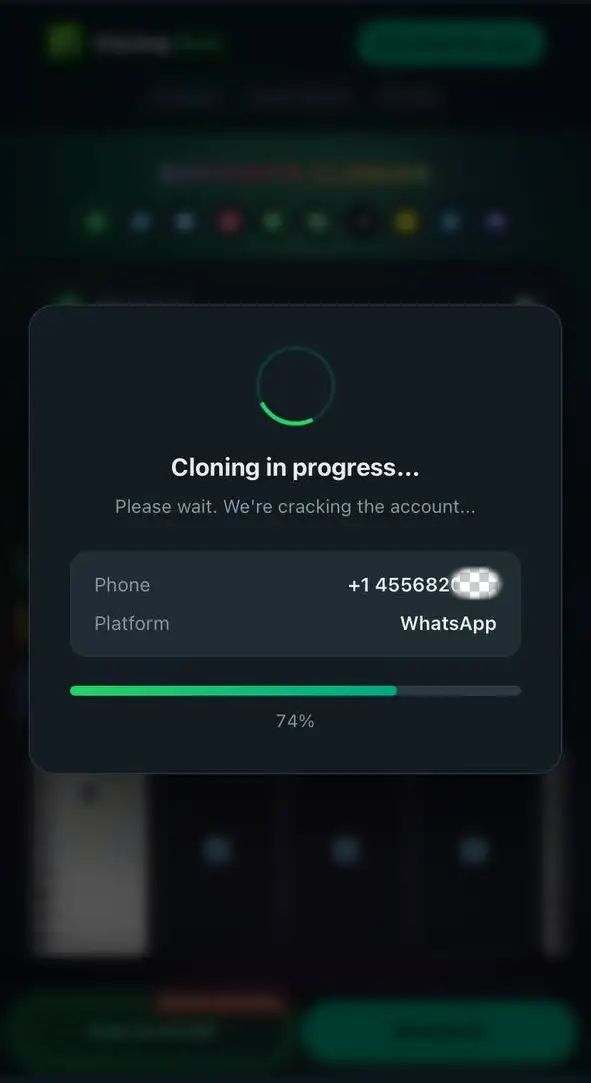
Install in 3 simple steps
A quick guide to getting CloningTech on your Android phone.
-
Download the APK
Tap Download. When it finishes, open the APK from your browser’s Downloads.
-
Install on your phone
If prompted, allow installation from this browser. Return to the downloaded file and tap Install.
-
Open CloningTech
Tap Open after installation. Read the permission requests and choose what you want to allow.
Android only. Settings and button names may vary by phone.
Where is my downloaded file?
Open Downloads in your browser, or the Downloads folder in your phone’s Files app. Wait for the download to finish, then tap the file ending in .apk.
Download not starting?
If you opened this page inside Facebook or Instagram, try opening it in your phone’s browser, then tap Download again.
Also check your internet connection and available storage.
Having trouble installing?
Make sure the file has finished downloading and your phone has enough free space. If asked for permission to install from your browser, follow the on-screen instructions and return to the APK.
If your phone identifies the app as harmful, stop and check with the app provider before continuing. For other errors, save the exact message and your phone model so the provider can help.
Built for Multi-Account Operations
Whether you run 3 numbers or 10, stop switching between devices.
Multiple Accounts at Once
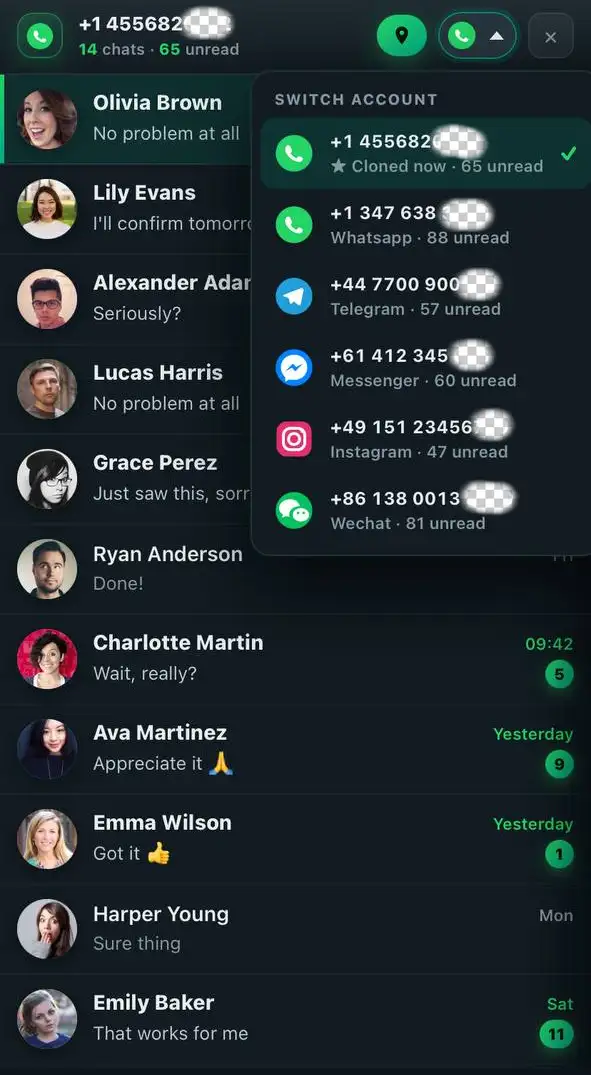
Add an account by entering its phone number. Each account gets its own conversation list and unread counter — switch anytime with one click.
Unified Inbox
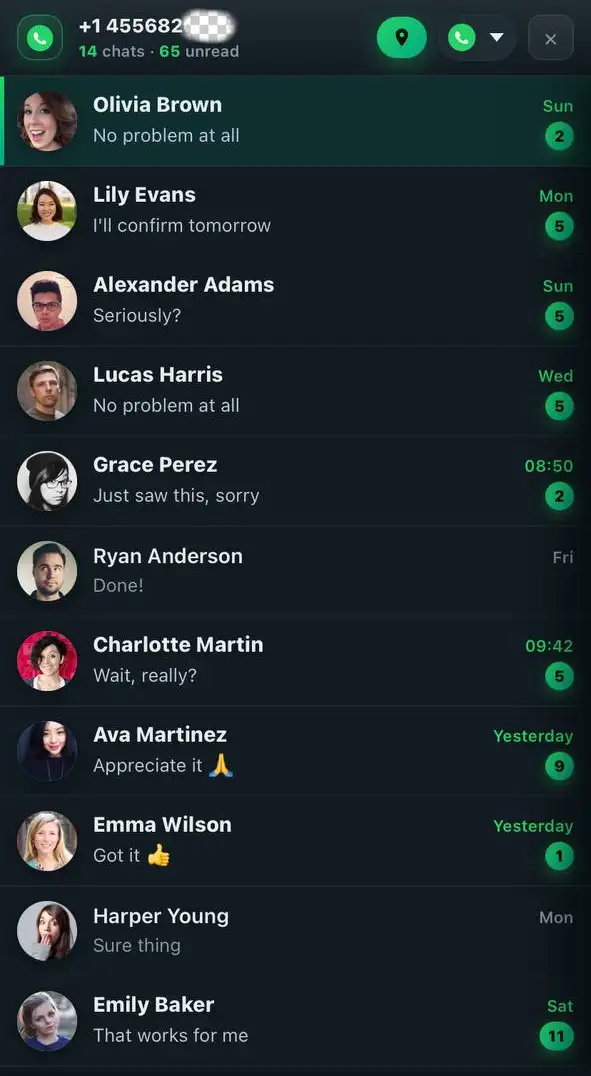
Messages from every account are gathered in one view. Unread counts are visible at a glance, so you never miss a customer.
Global Search
Find any contact by name or message keyword. Locate a target instantly, even across hundreds of conversations.
Lightning Replies
Type and send directly from the right-hand chat pane. Press Enter to send, and see conversation history update in real time.
Local Persistence
Accounts and conversations are stored in your browser's local storage. Refresh the page and pick up exactly where you left off.
Works on Every Screen
Three columns side-by-side on desktop for maximum efficiency; a single-column layout on mobile so you can reply from anywhere.
Three Steps to Get Started
No complicated setup required.
Add an Account
Enter the phone number and an optional display name on the homepage. The system immediately creates a dedicated workspace for that account.
Switch and Browse
Click any account in the left sidebar, and the middle conversation list instantly switches to that account's data.
Reply in One Place
Pick a conversation to see the full chat history on the right and reply directly — everything happens in a single interface.
Simple, Transparent Pricing
Start free. Upgrade whenever you need to clone more accounts.
Try the app free for three days after downloading.
- ✓Clone 1 account
- ✓Full 3-day access
- ✓No credit card required
Perfect for individuals managing a few accounts.
- ✓Clone up to 3 accounts per month
- ✓Unlimited chat history
- ✓Priority email support
For growing teams that manage many accounts at once.
- ✓Clone up to 15 accounts per month
- ✓Unlimited chat history
- ✓Priority support & updates
For agencies and businesses that need it all.
- ✓Unlimited clones per month
- ✓Unlimited chat history
- ✓Dedicated 24/7 support
All paid plans are billed monthly and can be cancelled at any time · Prices in USD